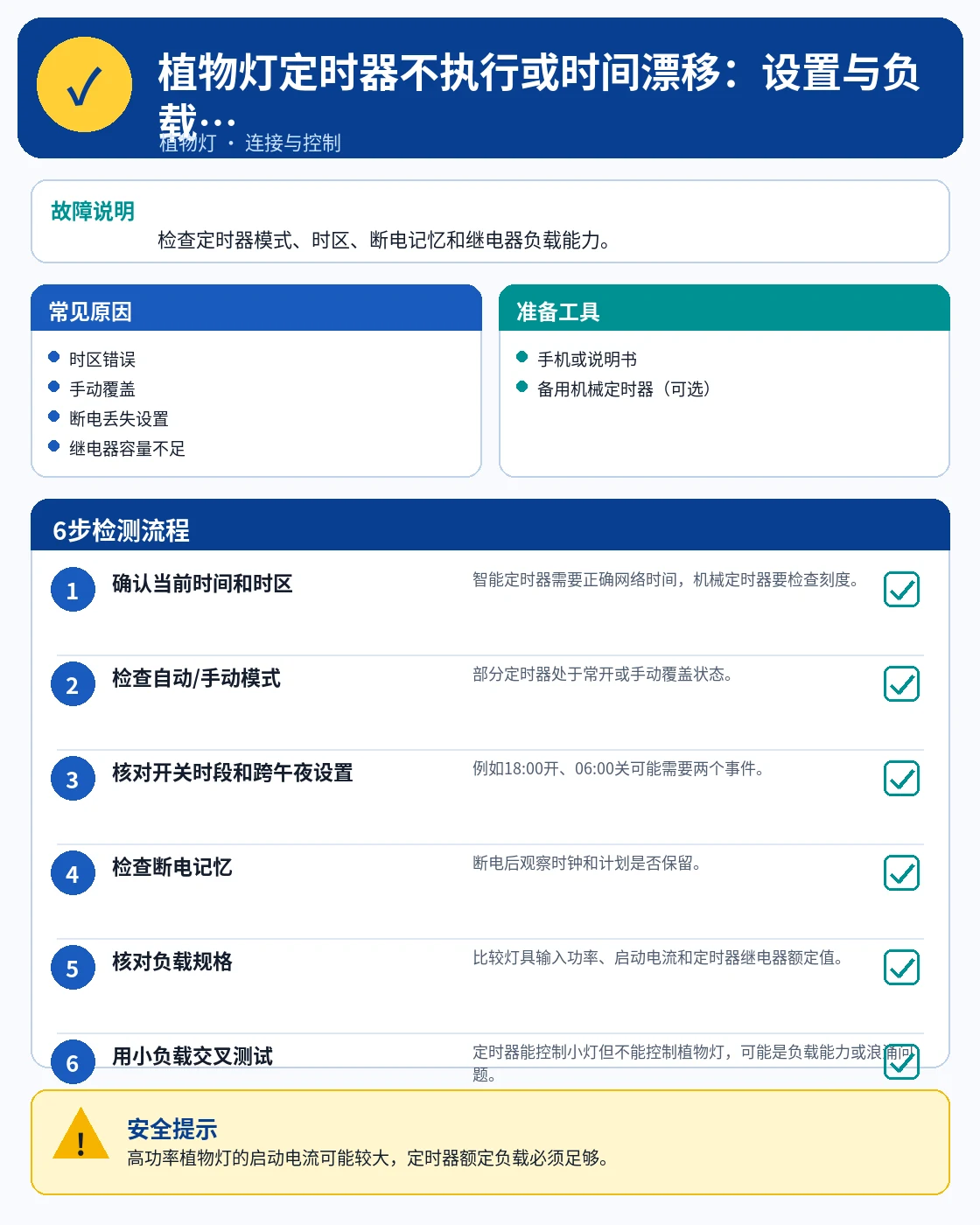
FAULT OVERVIEWUnderstand the symptom before replacing parts
A step-by-step troubleshooting guide that checks power, wiring, settings, and the affected component before parts are replaced.
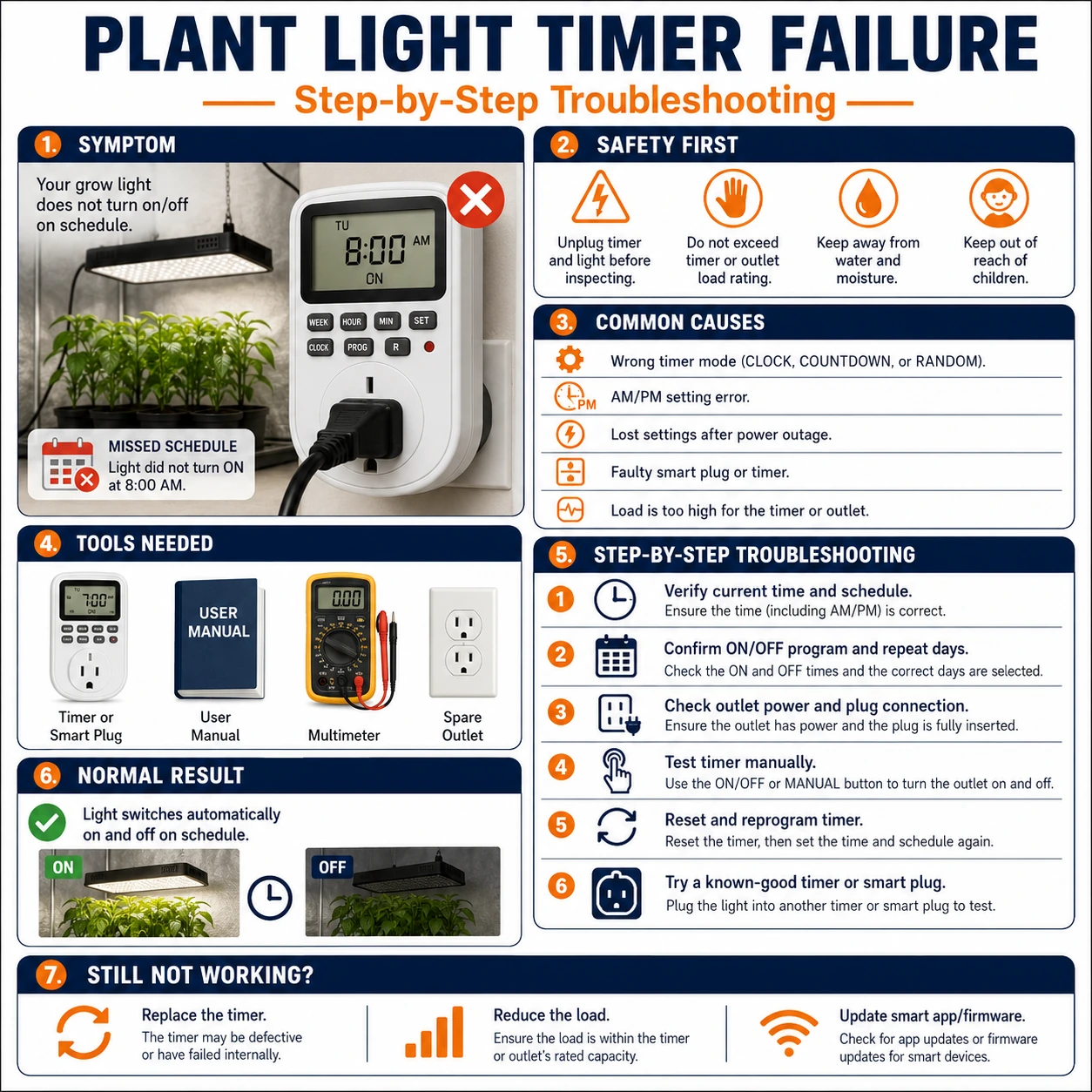 English tutorial overview Complete English infographic with the six diagnostic or repair steps shown below.
TOOLSPrepare before testing
- Phone
- Suitable inspection tool
!Safety noteUse the product label and wiring diagram as the final authority.
COMMON CAUSESCheck these areas first
- Power or voltage mismatch
- Loose, reversed, or damaged connection
- Controller, driver, or component failure
- Incorrect setting or incompatible device
STEP BY STEPDiagnostic procedure
Follow the sequence and change only one condition at a time.
01
Confirm the clock, time zone, and schedule
Check system time, location, repeat days, and whether the automation or timer is enabled.
 Step 01: Confirm the clock, time zone, and schedule — Cropped directly from this tutorial’s English main infographic.
What to observeRecord the reading or behavior before changing the next variable.
02
Check power-retention behavior
Determine whether the controller keeps its schedule after power loss and whether the physical switch remains on.
 Step 02: Check power-retention behavior — Cropped directly from this tutorial’s English main infographic.
What to observeRecord the reading or behavior before changing the next variable.
03
Look for conflicting automations
Disable overlapping routines, scenes, or power-restore settings during the test.
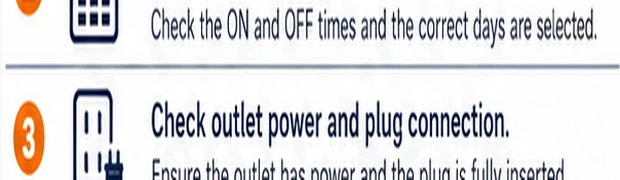 Step 03: Look for conflicting automations — Cropped directly from this tutorial’s English main infographic.
What to observeRecord the reading or behavior before changing the next variable.
04
Run the task manually
Use the app test or run-now function to confirm that the target light can execute the action.
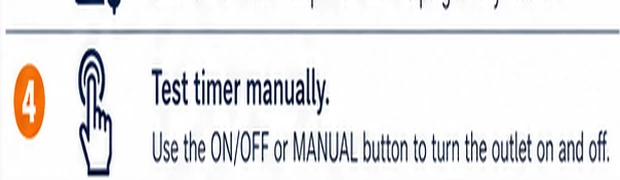 Step 04: Run the task manually — Cropped directly from this tutorial’s English main infographic.
What to observeRecord the reading or behavior before changing the next variable.
05
Reconnect and save the settings again
Keep the device online long enough for the new schedule to synchronize.
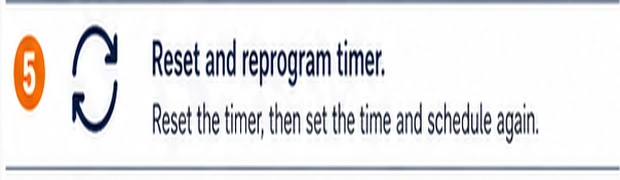 Step 05: Reconnect and save the settings again — Cropped directly from this tutorial’s English main infographic.
What to observeRecord the reading or behavior before changing the next variable.
06
Observe one complete cycle
Verify the light turns on or off at the expected time without another rule overriding it.
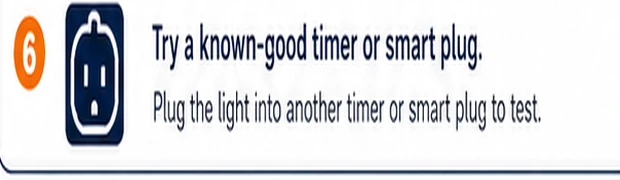 Step 06: Observe one complete cycle — Cropped directly from this tutorial’s English main infographic.
What to observeRecord the reading or behavior before changing the next variable.
Expected result
The fault is isolated to a power source, connection, setting, controller, driver, or light section.
If the fault remains
Stop if there is overheating, odor, damaged insulation, repeated fuse failure, or exposed mains voltage.