
It stays on because nothing told it to stop
Backlights have no idea the TV turned off unless something tells them: the USB port dying with the TV, a no-signal timeout in the sync box, or a smart-home automation. Installations that skip all three run the lights around the clock — noticed weeks later as a glow under the living-room door and a mystery on the power bill.
The first minutes of observation carry the diagnosis: lights that die a few minutes after the TV are running a normal delay timeout; lights that burn all night have live power plus a missing cue; lights that turn off but return at odd hours are being woken — usually by a console updating itself and 'showing video' to the sync box at 3 a.m.
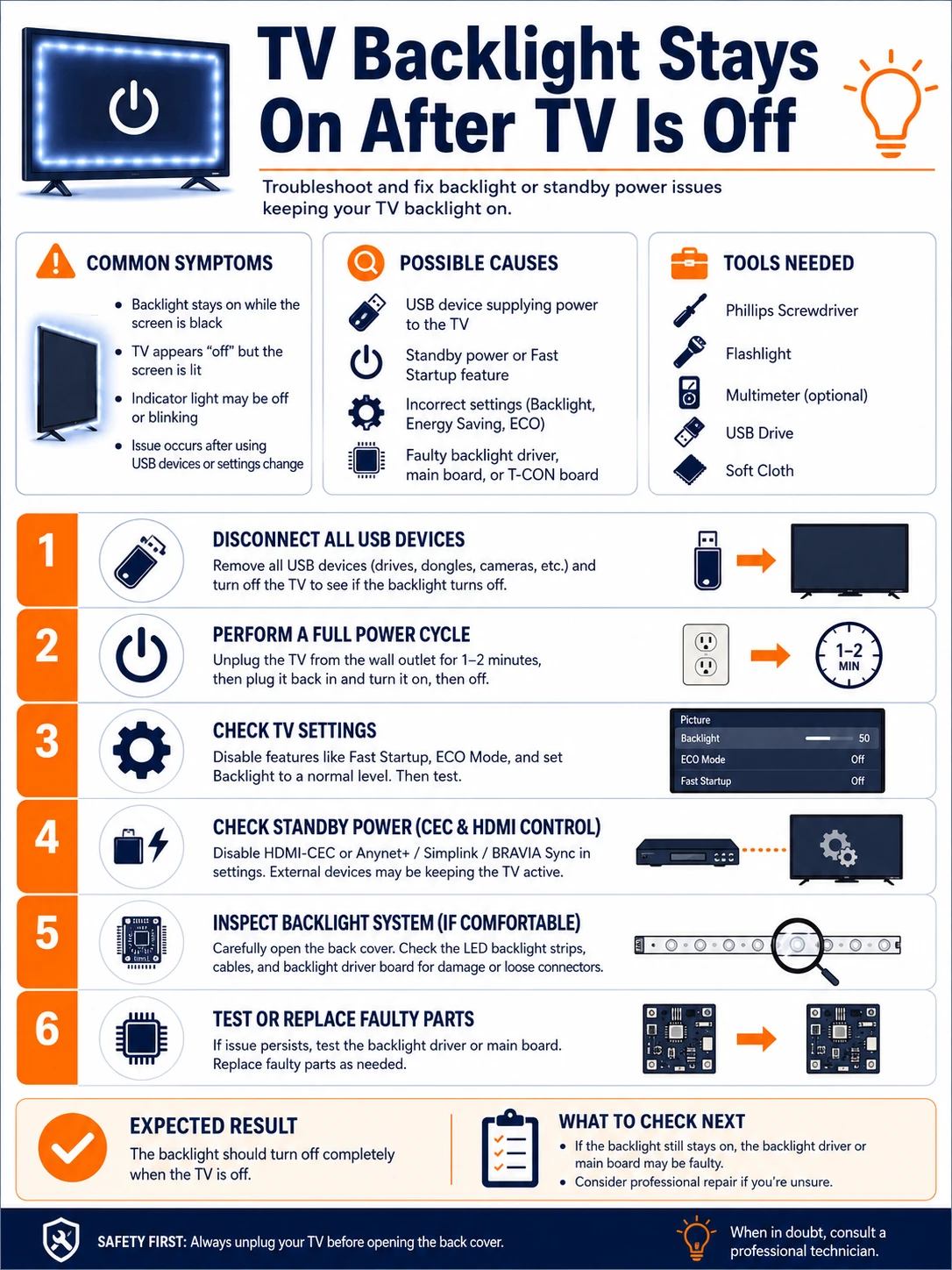
Prepare before testing
- A clock and ten patient minutes — the delay-versus-forever distinction is the whole first step
- The TV's settings menu — standby USB power hides under power, eco or external-device menus
- The kit's app — no-signal and screen-off shutdown options live there
- A smart plug (optional) — the blunt, reliable fallback when ports and timeouts refuse to cooperate
Settings-only work. The single caution: when testing standby behaviors, use the remote's off — not the wall switch — so the TV's own standby logic actually runs.
Check these areas first
- TV USB port live in standby. many sets keep 5 V up for firmware and charging unless a setting says otherwise
- Kit's auto-off never enabled. no-signal and black-screen timeouts ship disabled on many controllers
- HDMI device still transmitting. a console in rest mode or a set-top box keeps the sync box seeing 'video'
- Independent adapter with no linkage. a wall-adapter kit has no idea what the TV does unless an automation bridges them
- Quick-start and fast-boot modes. TV eco shortcuts trade real standby for an always-half-awake state that feeds ports
Diagnostic procedure
Observe the timing, then close the two supply lines in order — power first, signal second — and finish with a full on/off/recover rehearsal.
Time what happens after standby
Turn the TV off by remote and watch the lights for ten minutes. Immediate off: no problem. Off after a consistent few minutes: a normal delay timeout — decide whether the delay bothers you before changing anything. Still glowing at ten minutes: proceed; the kit has live power and no cue.

Audit the TV's standby USB policy
In the TV's power, eco or external-inputs menus, find the USB power option — names vary: USB standby power, power to external devices, charge in standby. Set it to off-in-standby if offered. Also check quick-start/fast-boot modes: disabling them often restores true standby, at the cost of a slower TV wake.

Enable the kit's own shutdown cues
In the backlight app or sync box settings, switch on every relevant timeout: no-signal shutdown, black-screen detection, follow-TV via HDMI-CEC where offered. Set the shortest acceptable delay. Camera kits: enable their dark-screen sleep. These cues rescue installations whose USB port refuses to sleep.

Silence HDMI devices that keep video alive
Sync-box kits: after TV-off, the box may still see signal from a console in rest mode or an always-on set-top box. Power those sources fully down one at a time (or unplug their HDMI briefly) and watch the lights. The device whose sleep finally darkens the wall is the one to reconfigure — consoles have 'stop output in rest' style options.

Bridge unlinked power with an automation
Wall-adapter kits, and TVs whose ports will not sleep: link the kit to the TV's state externally. A smart plug in the same ecosystem as the TV (or driven by a power-monitoring rule on the TV's own plug) kills the kit when the TV's draw falls to standby levels. It is blunt, cheap, and immune to firmware moods.

Rehearse the full cycle
Run the complete sequence several times: TV on (lights return, sync intact), TV off (lights die within the chosen delay), and a wall-switch power cut with recovery (kit returns to its mode, not to a factory default rainbow). Any state it loses — calibration, zones, schedules — gets written down now, while you remember why.

Lights that wake in the night
A backlight that turns itself on at odd hours is being woken, not malfunctioning. The usual ghosts: a console waking for scheduled downloads and emitting HDMI signal, a TV's overnight firmware window briefly powering its USB rail, or a smart-home routine ('movie scene') triggered by accident from a phone on the nightstand. The sync box faithfully reports 'video present' and lights the wall. Catch the culprit by diary — note the wake times and compare against console update schedules and automation logs — then either deepen that device's sleep or put the kit's power behind the smart-plug bridge, which no midnight handshake can bypass.
What the glow costs
A typical TV kit at moderate brightness draws in the tens of watts region at full output but only a few watts idling on standby glow — call it one to three. Left on around the clock, that is on the order of 10–25 kWh a year: small money, but free to reclaim, and the same fix ends the bedroom light-leak and the strip aging through pointless extra hours. The stronger argument is lifespan — LED and adapter hours are finite, and half of them spent lighting an empty room is the quietest waste in the setup.